Start with the papers you actually look for
A permission slip on the counter, a lease in a drawer, and a receipt tucked into a bag can make a simple task take far too long. Before buying folders or scanning everything, think about the documents your household needs most often. Common groups include school and childcare, housing and utilities, transportation, purchases and warranties, and personal records. Use names that make sense to everyone who might need to find a paper.
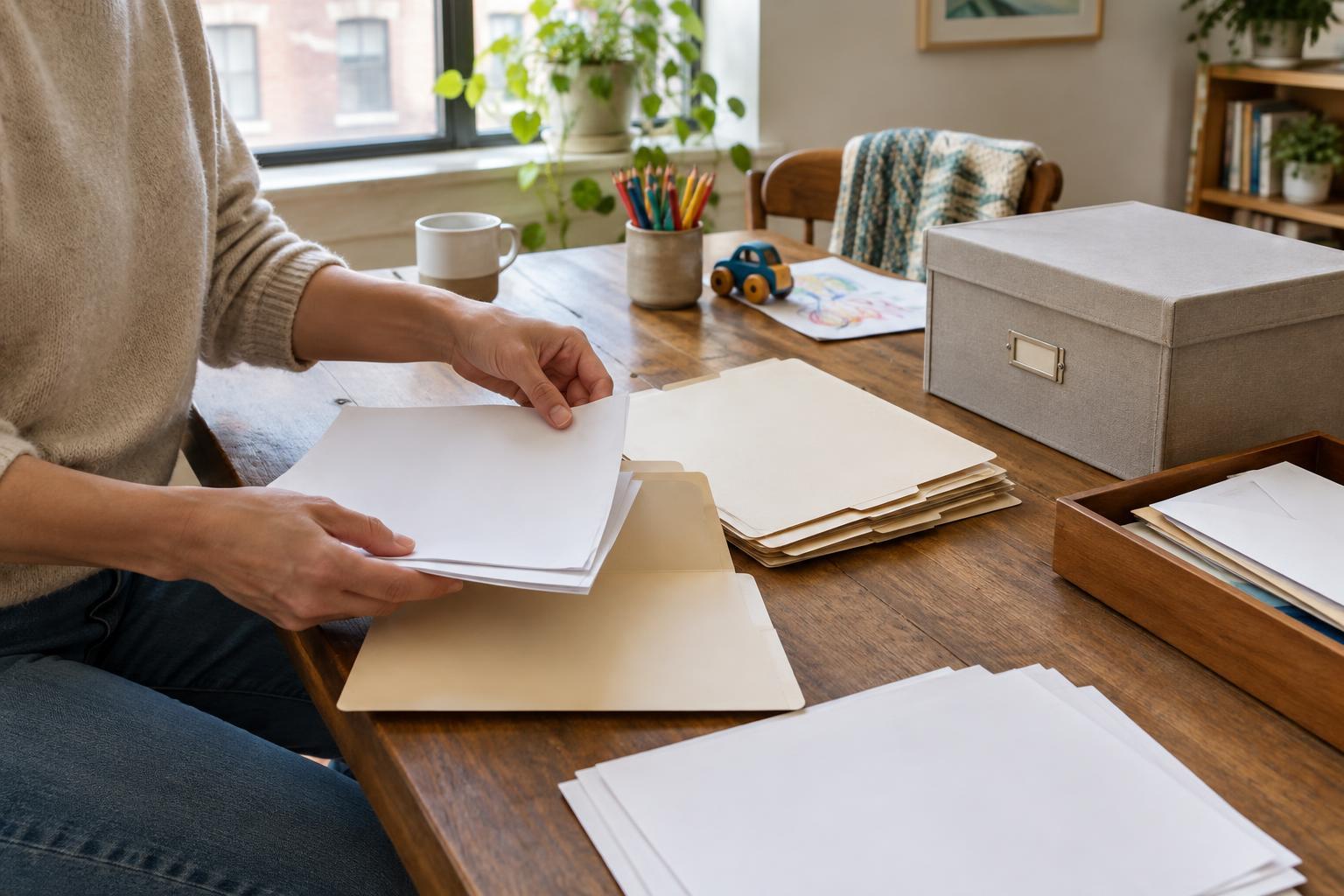
Sort one small stack at a time into three piles: act on, keep, and discard. Put forms that need a signature or payment in an obvious action spot rather than filing them out of sight. Shred papers containing sensitive personal information when they are no longer needed. If you are unsure whether a document should be kept, set it aside to check rather than making a rushed decision. The goal of this first pass is not perfection; it is to stop important papers from disappearing into mixed piles.
Give important originals a dependable home
Documents that are difficult to replace deserve a separate, secure location from everyday school notices and appliance manuals. Depending on your household, these might include identity documents, certificates, agreements, and other original records. Keep them together in clearly labeled sleeves or folders inside a secure place that is practical for your home. Protect them from spills and casual handling, and make sure another trusted adult who may need access knows where they are.
Create a simple index listing what is stored there, using broad document names rather than sensitive numbers. An index can save time without exposing private details. Keep it near the collection or in another secure place the relevant adults know about. Requirements for originals, copies, and storage can vary by document and situation, so check the instructions that apply before discarding an original or relying on a scan.
Make everyday filing easy to use
For papers that come and go, a small set of labeled folders often works better than a complicated filing cabinet. Choose categories you can recognize at a glance. Within each folder, put the newest items in front or arrange them by year. If a category becomes crowded, split it only then. For example, one school folder may be enough until separate folders for each child would make retrieval easier.
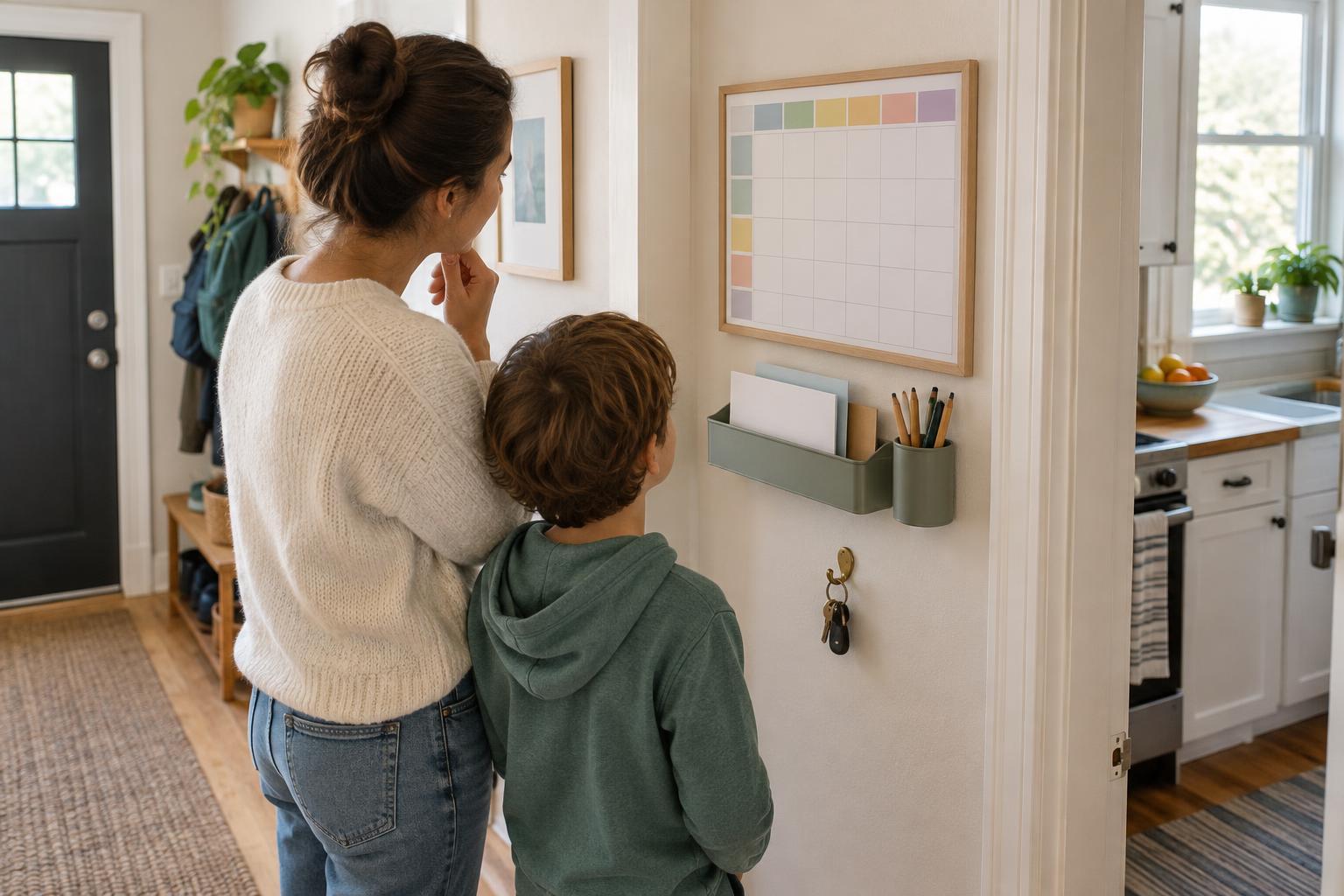
Give incoming paper one landing spot, such as a tray or upright holder, away from the dining table if possible. This is a temporary stop, not permanent storage. Keep an action folder alongside it for forms to return, bills to review, or documents to bring to an appointment. A small household with limited space can use one portable file box; the system matters more than the furniture holding it.
Use digital copies with privacy in mind
Digital copies can help when you need to reference a document without taking the original out of storage. If you scan or photograph a paper, check that every page is legible, including dates and signatures. Give the file a consistent name, such as a document type followed by a year, so it appears in a useful order when you search. Store related files in a few clearly named folders rather than scattering them across devices, email, and message threads.
Be deliberate about what you save and where. Use a device or storage account protected by a strong, unique password, and consider a backup that is separate from your main device. Limit access to sensitive files, especially on shared family devices. A scan can be a convenient reference, but it may not replace an original when one is required. Avoid sending personal records through casual group chats merely to make them easier to find later.
Keep the system going with a short reset
Set aside a few minutes each week to empty the incoming tray. Complete or schedule actions, file what matters, and recycle or shred what does not. Once or twice a year, look through bulky categories to see what is still useful. Keep any records you are required to retain, and check relevant guidance before clearing out paperwork tied to taxes, housing, insurance, or other formal matters.
Finally, test your system with a real question: Could you find a school contact form, a recent receipt, or a key household agreement without searching every drawer? If not, change the label or location that caused the delay. A good family document system is not the one with the most folders. It is the one your household can understand and maintain on a busy day.